Proposal: SMART Health Check-in Protocol
View on LinkedIn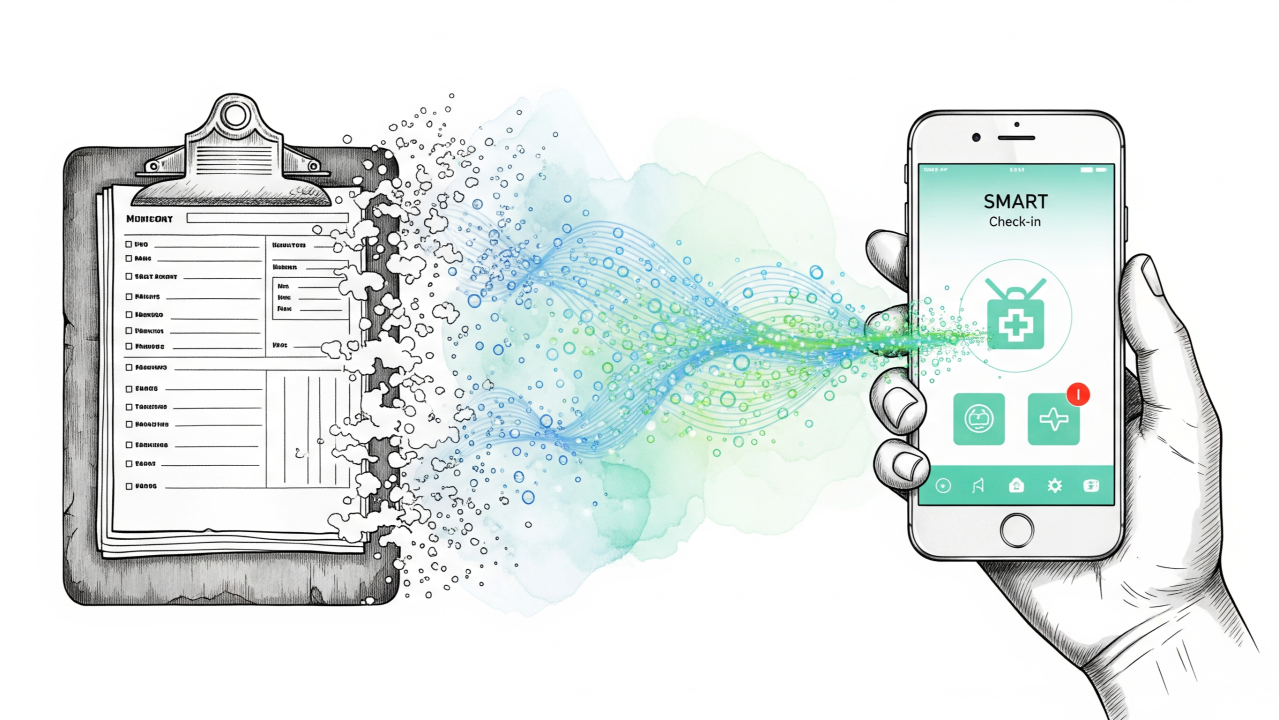
The CMS Interoperability Framework aims to “Kill the Clipboard,” enabling patients to digitally share health records, insurance data, and other paperwork with providers.
We already have robust data standards for this: SMART Health Cards (SHC) and SMART Health Links (SHL). These standards excel at modeling the data and work well for in-person interactions: a patient shows a QR code on their phone, and a receptionist scans it. (*Already you might notice a catch: the receptionist needs some hardware).
Meanwhile, the most efficient time to collect registration data is before the patient arrives at the clinic, while they are at home. In this remote context, the “show your QR” workflow breaks down.
Demo and Explainer
If you just want to see how all this works, check out the demo online at https://joshuamandel.com/smart-health-checkin-demo or watch this video:
See protocol definition and demo source on GitHub.
The Problem: Friction in Remote Exchange
Without a dedicated browser standard for data sharing, current remote workflows force patients into complex, manual processes:
- File System: Providers ask patients to “Upload your Health Card,” assuming the patient knows how to export a file from their health app, locate it in their device’s file system, and upload it.
- Copy-Paste: Patients must switch contexts, opening a health app to generate a sharing link, copying a long URL, switching back to the registration portal, and pasting it.
- “Self-Scan”: If a provider displays a QR code on a registration screen for the patient to scan, a patient using a mobile phone physically cannot scan the screen they are looking at.
These barriers prevent widespread adoption. To solve this, we propose the SMART Health Check-in Protocol.
Design Philosophy: Anchored in W3C Standards
This proposal is architecturally inspired by the W3C Digital Credentials API. The long-term vision for the web is that browsers will natively handle requests for credentials via navigator.credentials.get(), much like they handle location or camera access.
However, strictly relying on the native browser API is not viable today for three practical reasons:
- Availability: Native support is inconsistent across operating systems and browsers.
- Maturity: UX implementations are still evolving. While Android allows flexible behavior (“any app can answer any request in any format”), iOS is constrained to a single format (mdoc, which requires holder-bound issuance that’s a significant source of complexity).
- Interaction Requirements: Health data sharing requires more flexibility than simple credential presentation. A patient may need to curate which clinical history to share, write a note to the provider, or answer an intake questionnaire.
The SMART Health Check-in Protocol acts as a pragmatic bridge. It mimics the request and response structure of the W3C Digital Credentials API but implements the flow using standard web redirects and messaging. This ensures reliability on all current devices while aligning data structures for a future migration to native browser capabilities.
The Architecture and Workflow
The architecture involves two primary entities: the Requester (e.g., a provider’s registration site) and the Patient App (e.g., a personal health record or payer app). To connect them, we utilize a transient UI component called the Picker.
1. The Request
The Requester initiates the flow by constructing a JSON object defining what is needed. This isn’t limited to a single credential; it can request a bundle of information.
- Example Request: “We need a Digital Insurance Card, a US Core Clinical Data Bundle, and a response to this specific FHIR Questionnaire.”
2. The Picker
The user is presented with a list of compatible Patient Apps.
- Note: This “picker” experience serves as a directory to help the user find where their data lives. While we can publish a shared directory to make this easy for developers, the picker logic acts only as a router and can be hosted anywhere (including directly by the Requester) without requiring centralized infrastructure.
3. Authorization & Enrichment (The Patient App)
The user selects their preferred Patient App and decides what to share. Because this happens within a rich application environment rather than a static file uploader, the Patient App can offer a superior experience:
- Pre-filling Forms: If the Requester asked for a Questionnaire (e.g., a Patient Intake Form), the Patient App can render that form natively. It can pre-fill known fields (Name, DOB, Medications) from its own database, sparing the patient from typing, while allowing them to answer subjective questions like “Reason for visit.”
- Granular Consent: The patient can review the specific data being requested (e.g., unchecking “Mental Health Notes” while keeping “Immunizations”) before hitting “Share.”
- Annotations: The patient can add commentary or context to the data during the sharing process.
4. The Return
The Patient App packages the data (typically as Signed SMART Health Cards or FHIR Bundles) and returns it directly to the Requester.
Security Architecture: The “Pass-Through” Model
A defining feature of this proposal is how it handles data privacy. The Picker component serves strictly as a router for the request.
When the patient selects an app, the request parameters are passed through the Picker to the Patient App. However, when the Patient App generates the response, the sensitive payload is transmitted directly to the Requester using the browser’s BroadcastChannel API.
Crucially, this means the Picker never sees the patient’s health data. The response payload travels directly from the holder (Patient App) to the verifier (Requester). This “pass-through” model allows the Picker to be integrated into the requesting app or hosted on static infrastructure (like a CDN) with zero server-side state, ensuring no data is logged or stored by intermediaries.
UX Goals
- Familiarity: The flow mirrors the standard “Sign in with…” experience that users already trust.
- Traceability: The protocol supports unique requestIds. If a provider requests three distinct items (e.g., insurance, clinical history, and an intake form), the response maps back to those specific IDs. This allows the Requester’s software to automatically sort and process the incoming data without manual intervention.
- Flexibility: This pattern unifies the transport of static credentials (insurance cards) and dynamic, patient-generated inputs (questionnaire responses) into a single, secure transaction.
By building on the conceptual foundation of the W3C Digital Credentials API but deploying on standard web rails, the SMART Health Picker offers a scalable path to meet the “Kill the Clipboard” objective immediately, without waiting for browser vendors to catch up.